
Awora features: portal, phishing tests and results
Awora educates employees in three ways: an awareness portal they can browse, phishing campaigns that test what they learned, and results you can act on. Here is how each part works.
Awareness portal
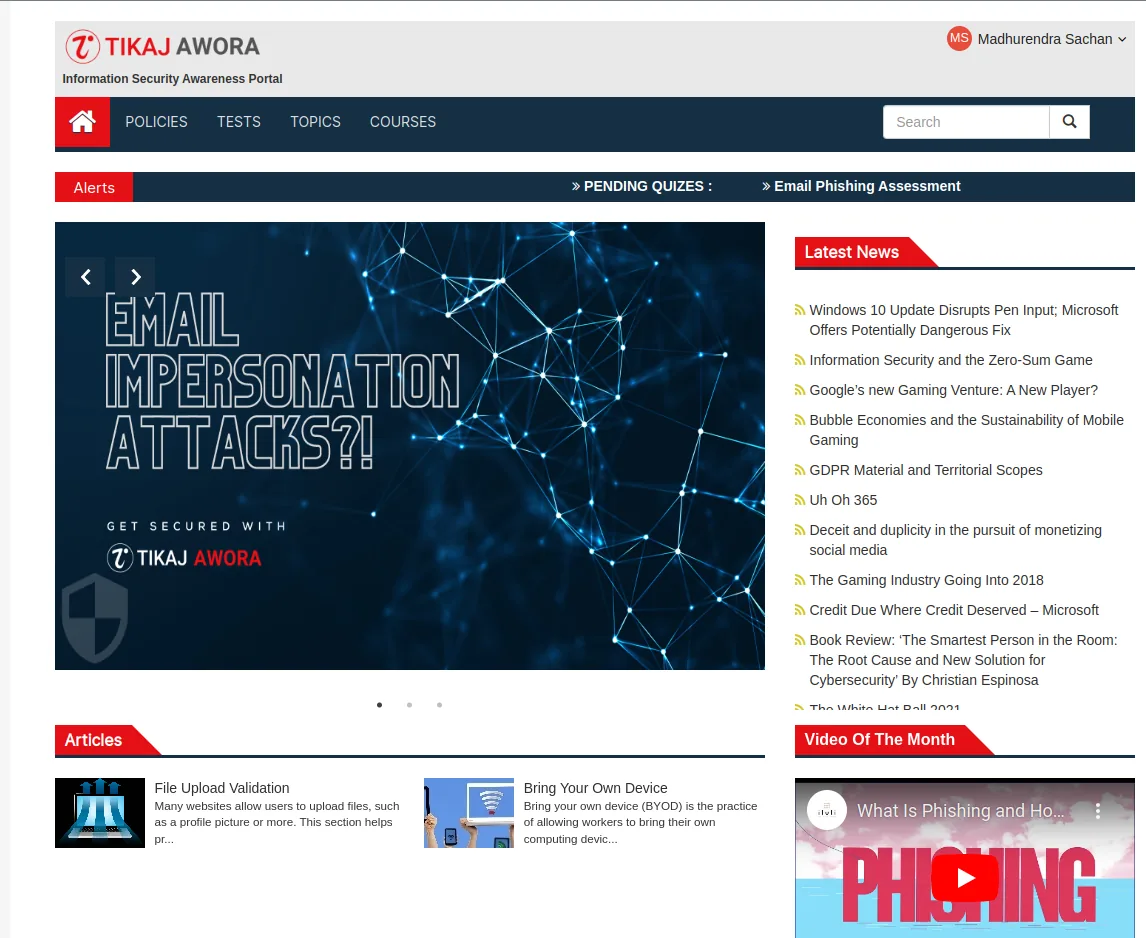
The portal is the employee side of Awora: a simple, searchable site where people look for security awareness content, policies and courses. It comes pre-packaged with awareness content, so you have something to publish on day one.
- Policies
- Your security policies, and any other company policy you want people to read, in one place.
- Topics
- Awareness content grouped by subject, such as email phishing, so people can look things up.
- Courses
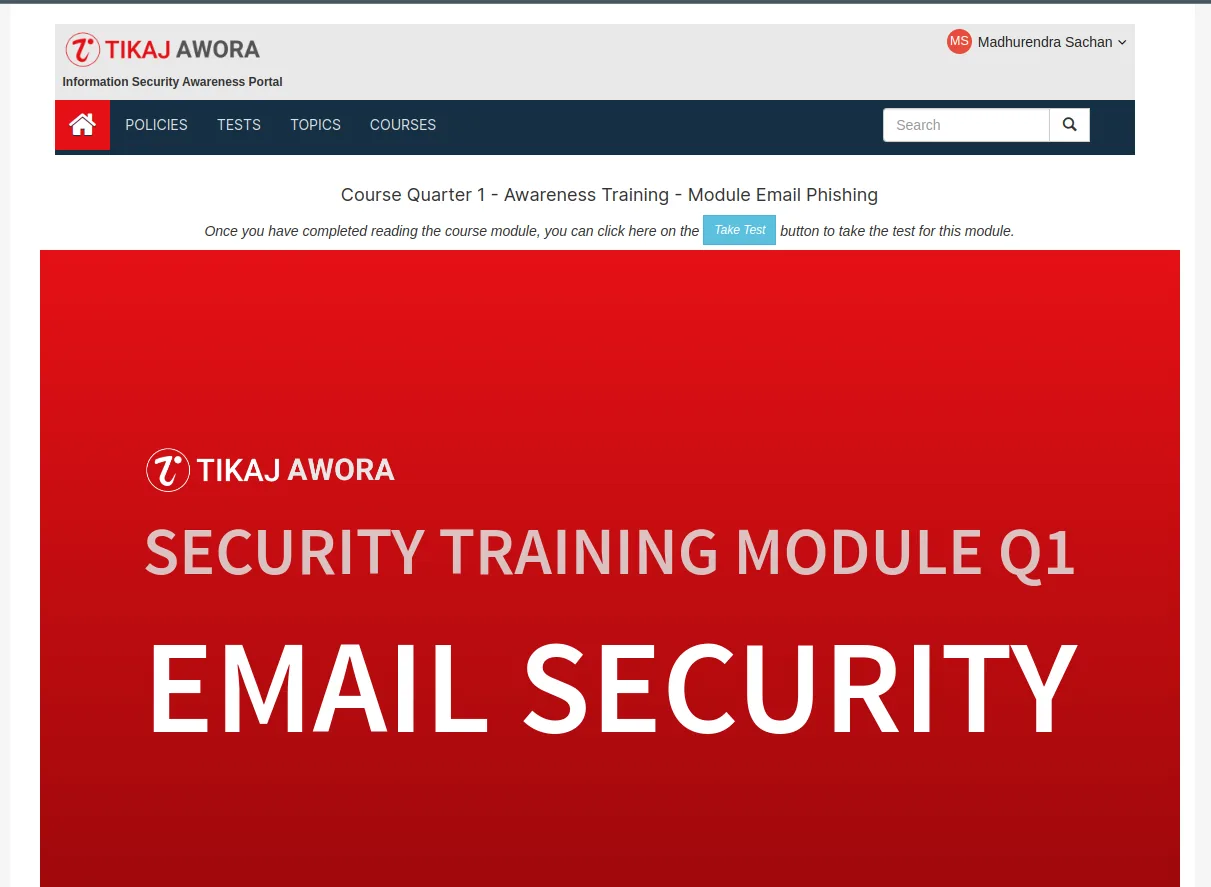
- Structured course modules, for example a quarterly module on email security.
- Tests
- Quizzes that check what people took in from each module.
The home page carries an alerts bar for pending quizzes, articles and a news feed, so there is a reason to come back. You can also publish content that has nothing to do with cyber security, such as HR or facilities policies, and use the same portal for both.
Courses and tests
Courses are built from short, easy-to-follow modules that take learners through staying safe in an online, connected world, one concept at a time. Modules can be organised by quarter, so training runs all year instead of once.
- Interactive courses that keep people engaged
- A Take Test button at the end of each module
- Pending quizzes shown to each employee in the portal
Phishing campaigns
Training tells people what to look for. A phishing campaign shows whether they spot it in a real inbox.
Launch
Start a campaign and Awora sends the phishing emails in the background.
Schedule
Set a campaign to launch at a time you choose, for example after a training module.
Reuse
Import existing websites and emails as the starting point for a simulation.
Running your first test? The security awareness program guide covers approvals, fair lures and what to tell people afterwards.
Results
Detailed results arrive in near real time while a campaign is running, and assessments update on their own. When the campaign ends, export the results to use in your own reports.
- Near real-time results during a campaign
- Email open tracking, switched on in one click
- Export for management and audit reports
Platform
Everything in Awora is meant to just work: easy to set up, easy to use and quick to show results.
| Installation | A single download |
|---|---|
| Technology | PHP, so you can edit everything, from how content is placed to which data is used |
| Operating systems | Windows, macOS and Linux |
| Interface | Web interface for the portal, campaigns and results |
| Content | Pre-packaged security awareness content, plus your own |
| Price | Free |
Requirements and install steps are on the download page.
See it with your own content
Install Awora, add your policies and send a first test campaign to a pilot group.